


What goes on a specials poster
- 1Three or four specials, one line each
- A poster holds three or four specials. Each special is one line: the dish or deal, then its price. Fewer lines are easier to read from a distance.
- 2The days under each special
- Choose the days each special runs, from Monday to Sunday. A special that runs Friday to Sunday shows those days, so a diner can see when to come in.
- 3Name the deal
- Say what the special is: "Beef burger and a cold drink", not "our special burger". A clear name is the one people order by.
- 4The words at the top
- The heading at the top says when the offer runs, such as This week or This weekend. Keep it to a few words, so the poster is read as current.
- 5Where the poster goes
- Post the tall picture on WhatsApp Status at the start of the week. Print the A4 picture for the window, where people walking past can read it.
- 6Only the specials you can serve
- Tap only the days a special really runs, so the poster never promises a dish you cannot make.
- 7Put the start day in the heading
- Start the heading with the day the offer begins, such as "From Monday" or "Friday to Sunday", so anyone who sees the poster can tell whether it still runs. An old heading is the first thing to take down.
- 8Type prices as whole numbers
- Type each price as a whole number, such as 89, and keep the same number of figures on every line, so the price badges line up down the poster.
- 9One offer on each line
- Do not join two deals on one line. A line that reads "burger and chips or ribs" leaves the diner guessing which price is which. Split it into two specials, each with its own price and days.
Specials poster design ideas
Six ways one week of specials can look: a bold orange card, a bold teal card, a cobalt headline, a plum headline, a green braai card and a blue stripes card. Pick the look closest to your sign, then type your own specials over the example.
- Bold look in orange, tall shape
- Bold is a flat colour with heavy lettering, the days in a bright colour and each price on a badge. The tall shape suits WhatsApp Status.
- Bold look in teal, square
- The same heavy lettering in teal, for a post on Facebook or Instagram.
- Big headline look in cobalt, A4 to print
- A large yellow headline sets the week at the top, and the specials sit on white strips in cobalt. A4 is the window size.
- Big headline look in plum, A5
- The same headline in plum, on A5 for the counter.
- Braai look in green, tall shape
- The Braai look in green, tall for Status.
- Stripes look in blue, square
- Stripes in blue, with the days on white tabs, sized for a square post.
A specials poster, step by step
The example has four specials: grilled chicken and chips on Monday to Wednesday, a beef burger and a cold drink on Thursday and Friday, ribs for two on Friday to Sunday, and a Sunday lunch on Sunday. Type each special, then tap each day it is on. Add another special for the next line, up to eight. The note at the foot says how to order. The heading reads This week, so the poster is redone each Monday, or taken down when the specials end.
Tips
- Put the special that sells most first.
- Keep each name to one line.
- Tap only the days the special really runs.
- Use the note for how to order, such as a phone number.
- When the week turns over, save a new picture and take the old one down from Status and the window.
Sizes and printing
- Tall, for WhatsApp Status
- Tall like a phone screen. Best for WhatsApp Status and for Stories.
- Square, for a post
- Square. Best for a post on Facebook or Instagram.
- Printer page (A4)
- A4 is the size of a normal printer page. Print it at home or at a print shop. A home printer leaves a thin white edge.
- Half page (A5)
- A5 is half of a normal printer page. Good for a counter. A home printer leaves a thin white edge.
Questions
- Can one special run on more than one day?
- Yes. Tap each day it is on, such as Friday, Saturday and Sunday. For a special that runs every day, tap Every day.
What you type is kept in this browser on this device until you clear your browser data, so you can come back, change a price and save a new picture. A photo and a logo are optional and are not kept for the next visit.
Closest to this one
 Daily specials menu
Specials that change each weekday, one for each day, go on a daily menu rather than the poster.
 Butchery specials poster
Cuts by the kilogram and braai packs for the week, on a poster for a butchery.
 Braai pack specials poster
A weekend braai pack poster for a shop that sells packs for the fire.
 Lunch special poster
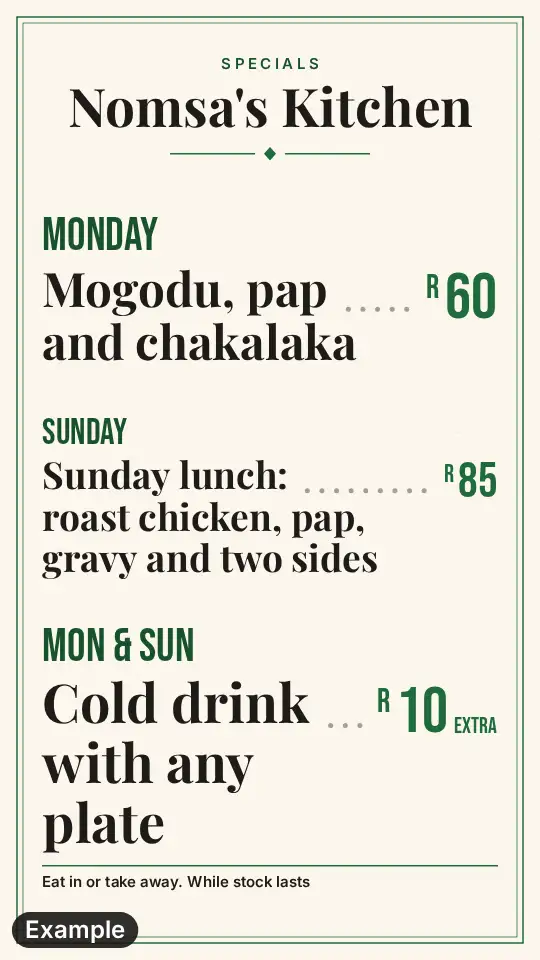
One lunch special for the week, with its days, on a poster for the window.