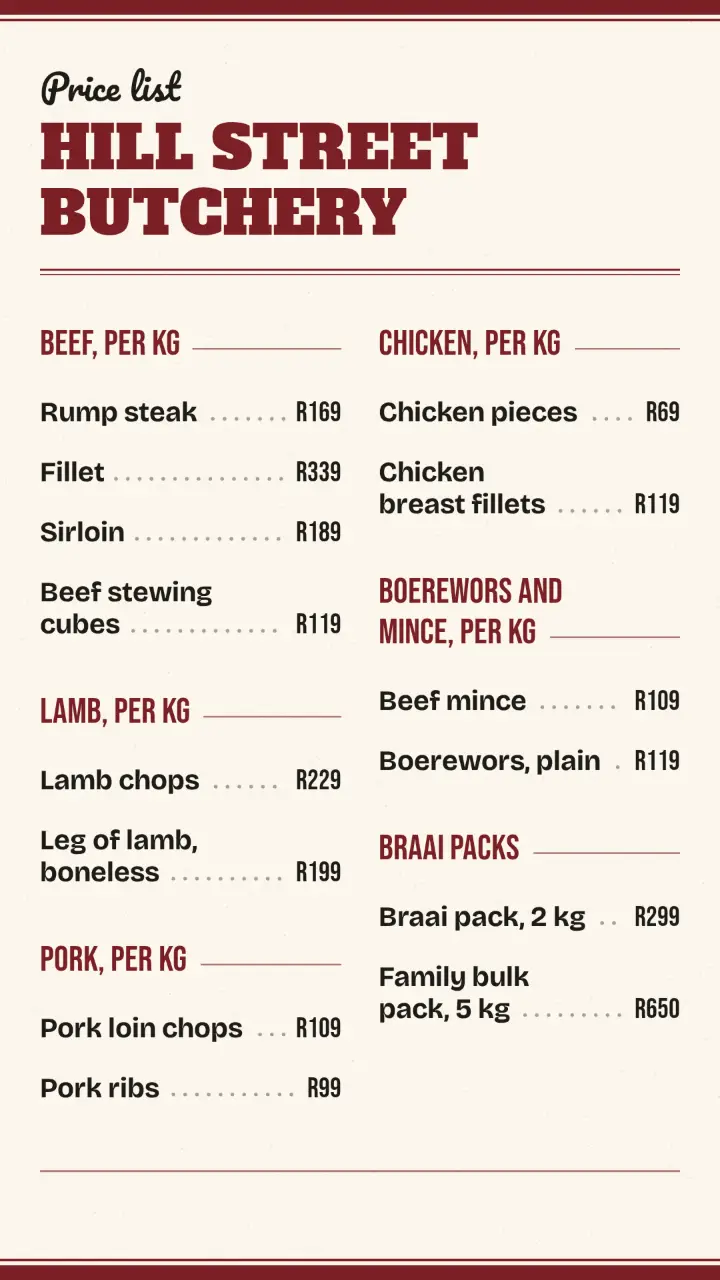


What goes on a butchery price list
- 1Each kind of meat under its own heading
- Put the cuts in sections by animal: beef, lamb, pork and chicken, then the boerewors and the mince, then the braai packs. A customer after lamb finds the lamb section without reading the rest. Under All options, press Add a section, like Drinks, for each new heading.
- 2Per kilogram in the heading
- Write "per kg" in the section name, as in "Beef, per kg", so a customer knows each price in that section is for a kilogram. A cut sold by the piece goes in a section of its own.
- 3Cut names the counter uses
- Write each cut the way the counter calls it: rump, fillet, neck, brisket, chops. A customer who knows the name finds it at once, and nobody has to ask what a cut is.
- 4Braai packs with their weight
- A braai pack is a set of cuts sold for one price. Give it a section of its own and put its weight in the name: "Braai pack, 2 kg", with the price after it.
- 5When a price moves
- Change the one line when a price changes, then save a new picture. The rest of the list stays as it was, so the picture and the counter always agree.
- 6A price list or a specials poster
- This page makes the whole list of what you sell and what it costs. For the cuts on offer this week, with the days they run, the butchery specials poster is the better fit.
- 7Where the list goes
- Print the printer page (A4) for the wall by the till, and the half page (A5) for the counter. Post the tall picture on WhatsApp Status each time a price changes.
Butchery price list design ideas
Six ways one butchery price list can look: a maroon cream card, a navy board with amber, a blue chalkboard, grey painted boards, kraft paper and a navy card with gold. Tap a picture to start from it.
- Cream card in maroon, A4 to print
- A cream card with maroon slab capitals, the look of a butcher's printed list. A4 for the window or the wall.
- Navy and amber board, A4 to print
- Navy with a double amber keyline, the look of a board in a shop window. A4 for the wall.
- Blue chalkboard, A5 to print
- A blue chalkboard with the prices in white, for a counter where the list changes each week.
- Grey painted boards, A5 to print
- Painted boards with blue names and red prices, a plain butcher's counter look. A5 for the counter.
- Kraft paper card, A5 to print
- The list on brown kraft paper, the way a shop wraps its parcels. A5 for a table holder.
- Navy card with gold lattice, tall
- Navy with a thin gold lattice along the top and foot, and gold rules under the name and each section. Tall for WhatsApp Status.
A butchery price list, step by step
The list has six sections: beef, lamb, pork, chicken, boerewors and mince, then braai packs. Each cut is typed with its price, and each section name says per kg where the price is by the kilogram. The line at the foot says the butchery takes bulk orders.
Tips
- Write "per kg" in each section name, so every price in it reads by the kilogram.
- Keep the cut names the counter uses: rump, fillet, neck, brisket.
- Put a pack's weight in its name, like "Braai pack, 2 kg".
- Save a new picture on the day a price changes, not a week later.
- Use the line at the foot for your hours, or for how far ahead a bulk order needs.
Questions
- Can I show the price per kilogram and the price per pack?
- Yes, in two sections. Put the cuts in sections named "per kg", and the packs in a section of their own, with the weight in the name of each pack.
- How many cuts fit on the price list?
- Up to 30 lines in all and 12 sections. On a square picture up to 16 lines fit. Long names can leave room for fewer, and the page tells you before you save if something does not fit.
- Can I put my logo on the price list?
- Yes, if you want. The box for your photo and your logo is under All options, and you can leave both out. Neither is sent to us.
- Can I see the list before I post it?
- Yes. The picture beside the form fills in as you type, so you see each line before you save. Press Back to change a price.
- What size does a printed price list come out at?
- An A4 list is the size of a normal printer page, and an A5 list is half of that. Print it is on the Get your picture step, and you get a picture file, not a Word or PDF file.
What you type is kept in this browser on this device until you clear your browser data, so you can come back, change a price and save a new picture. A photo and a logo are optional and are not kept for the next visit.
Sizes, printing and saving
You get a picture to post, and a bigger one to print on a normal printer page (A4) or half a page (A5), not a Word file. Free, no account, and nothing is uploaded: the picture is made on your device.
- Tall, for WhatsApp Status
- Tall like a phone screen. Best for WhatsApp Status and for Stories.
- Square, for a post
- Square. Best for a post on Facebook or Instagram.
- Printer page (A4)
- A4 is the size of a normal printer page. Print it at home or at a print shop. A home printer leaves a thin white edge.
- Half page (A5)
- A5 is half of a normal printer page. Good for a counter. A home printer leaves a thin white edge.
Closest to this one
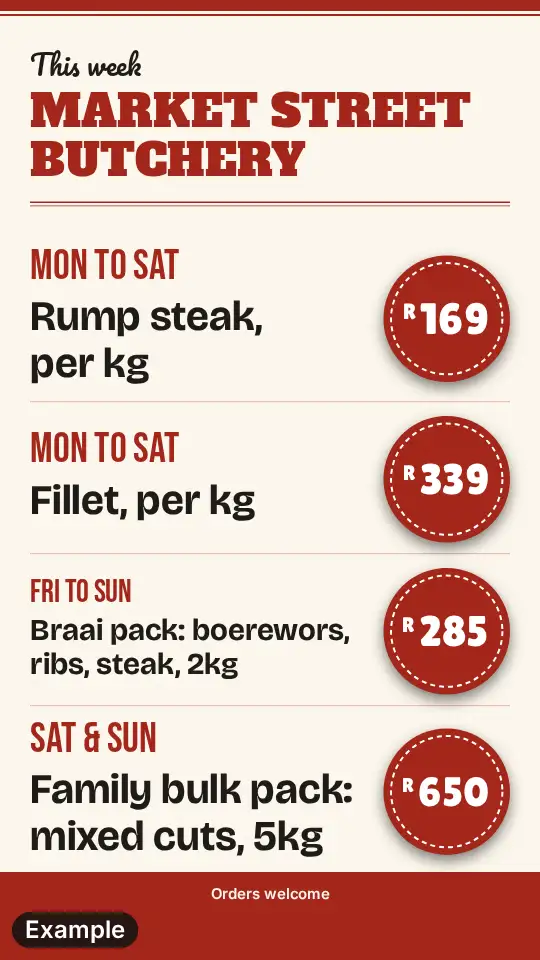 Butchery specials poster
Cuts on offer this week, with the days they run, are a specials poster, not a price list.
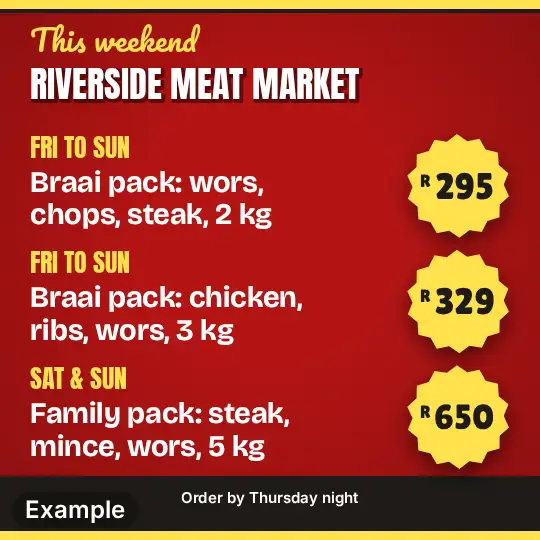 Braai pack specials poster
A pack of chops, boerewors and steak for the weekend is a braai pack poster, not a list of cuts.
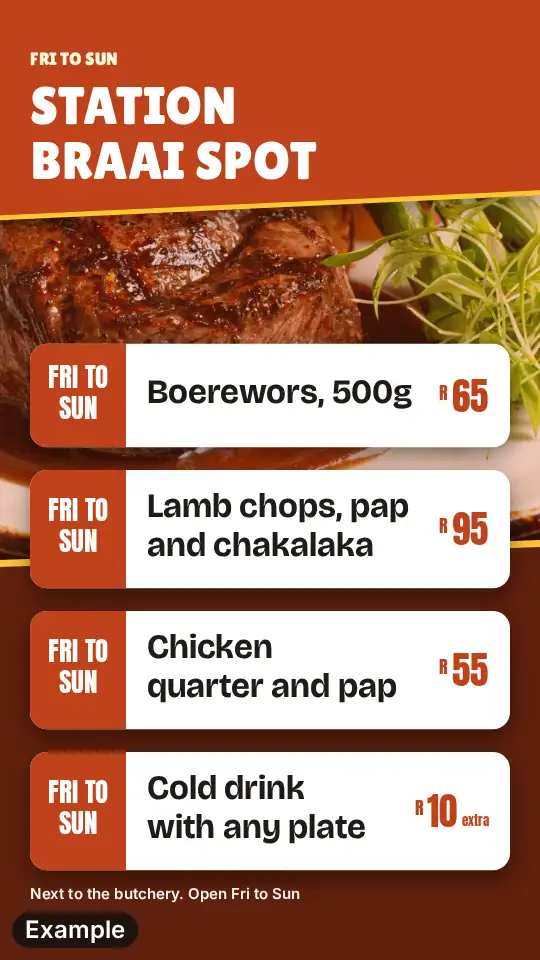 Shisa nyama poster
Meat sold off the fire by weight, with the days it is on, is a shisa nyama poster.
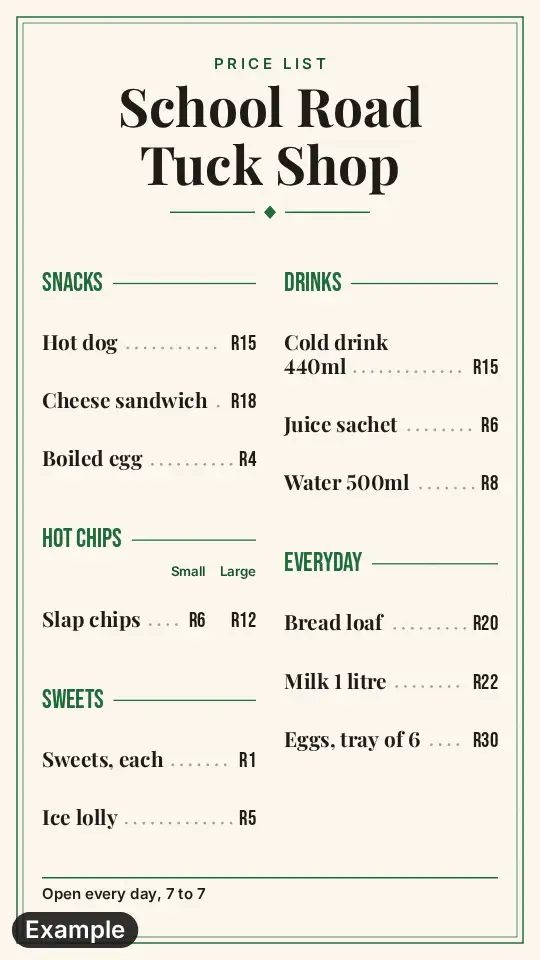 Price list
Sweets, bread and tins sold beside the meat belong on a shop price list.