


What goes on an ice cream menu
- 1Scoops with a cone and a cup price
- An ice cream counter sells scoops: a single, double or triple. Under All options, tick "Two prices on each line, like Small and Large" for the Scoops section. Type Cone and Cup in the boxes "First price is" and "Second price is".
- 2Sundaes with toppings
- A sundae is ice cream with toppings in a dish. Name the flavour and what it comes with, like "Chocolate sundae with cream".
- 3Toppings in their own section
- Chocolate sauce, sprinkles, extra cream: give them a section called "Toppings" with one price each, so a customer can add them to a scoop.
- 4Waffles and soft serve
- A waffle cone, a waffle with ice cream, a soft serve cone: each is its own line. Soft serve as a cone and a cup are two lines, each with its own price.
- 5Your flavours change
- The menu can list scoops without naming the flavours, or name the flavours you have today. When they change, change the names and save a new picture.
- 6A photo that is not melted
- Ice cream in bright daylight melts. Take the photo in the shade or indoors, from above, on a clean background. A scoop on a cone or a sundae with toppings reads better than a menu of words.
- 7Flavours that change with the season
- A flavour list that changes with the season is easy to keep up. Keep the scoop names as they are, and change only the flavours that have run out or come in. A new picture is the same steps each time.
- 8Kids scoop and small cups
- A child-sized scoop can be one line with its own price, placed under the scoops. Name it "Kids scoop" so a parent does not have to ask what size it is.
- 9Milkshakes and coffee
- If the shop also sells milkshakes, affogato or coffee, give them a section of their own below the sundaes. Keep the names short and one price on each line.
- 10Where the menu goes
- Post the tall picture on WhatsApp Status when the flavours change. Print the printer page (A4) for the shop front and the half page (A5) for the counter.
Ice cream menu design ideas
Six ways one ice cream menu can look: a chalkboard in coloured chalk, a cream cafe card, teal boards with a yellow foot, an emerald board with yellow tabs, a dark basil board with a gingham border and a dark jade board with cream lettering. Tap a picture to start from it.
- Chalkboard in coloured chalk, A5 to print
- Coloured chalk writes each item in a chalk of its own colour, the way an ice cream shop board is lettered by hand. The prices stay white, so a colour never hides a number.
- Cafe card in milk and coffee, square
- Cafe card is the clean one: pale paper, a script name, thin rules and one coffee-dark ink. Nothing shouts, which suits a simple ice cream counter.
- Teal painted boards, square
- Teal boards with a yellow band along the foot, a bright look for a shop front. Square for a post.
- Emerald board with yellow tabs, tall shape
- Emerald green with yellow tabs and bold capitals, for a shop front that reads from across the road. Tall for WhatsApp Status.
- Dark basil green with a gingham border, A4 to print
- Dark basil green with a gingham border, the look of a checked cloth on a counter. A4 for a sheet by the till.
- Dark jade with cream lettering, tall shape
- Jade green with cream lettering and no boxes, a lighter board for a shop that wants a plain look. Tall for WhatsApp Status.
An ice cream menu, step by step
The menu has four sections. Scoops has three lines with two prices each, cone and cup. Sundaes has three flavours with cream. Toppings has four add-ons with one price each. Waffles and soft serve has four items. The sundaes are named with what is in them, so the customer knows what they order. The line at the foot says the shop is open daily and flavours change seasonally.
Tips
- Keep scoop names short: single, double, triple.
- Name what is in a sundae, such as with cream, so the customer knows what they are buying.
- List toppings with one price each: chocolate sauce, sprinkles, wafers.
- A photo of ice cream on a cone in the shade reads better than a menu of words.
- Write the flavours you have today, so a customer knows what is in the tub.
- Put the toppings in a section of their own, so they are easy to add to any scoop.
Sizes and printing
- Tall, for WhatsApp Status
- Tall like a phone screen. Best for WhatsApp Status and for Stories.
- Square, for a post
- Square. Best for a post on Facebook or Instagram.
- Printer page (A4)
- A4 is the size of a normal printer page. Print it at home or at a print shop. A home printer leaves a thin white edge.
- Half page (A5)
- A5 is half of a normal printer page. Good for a counter. A home printer leaves a thin white edge.
Questions
- Does making the ice cream board cost anything?
- No. Making the ice cream picture costs nothing.
- Is my ice cream photo sent to you?
- No. Your photo and your logo are not sent to us, so add them again when the flavours change.
- Can I show cone and cup prices for each scoop?
- Yes. Under All options, tick "Two prices on each line, like Small and Large" for the Scoops section, then type Cone and Cup in the two price boxes. Each scoop then has two prices.
- Can I change the flavours every week?
- Yes. Open the page, change the flavours and save a new picture.
- What size does a printed ice cream board come out at?
- An A4 board is the size of a normal printer page, and an A5 board is half of that for the counter. The print option is in the Get your picture step, and the file you get is a picture.
What you type is kept in this browser on this device until you clear your browser data, so you can come back, change a price and save a new picture. A photo and a logo are optional and are not kept for the next visit.
Closest to this one
 Coffee shop menu
A cafe with a gelato counter or ice cream can keep the drinks on one board and the scoops on another.
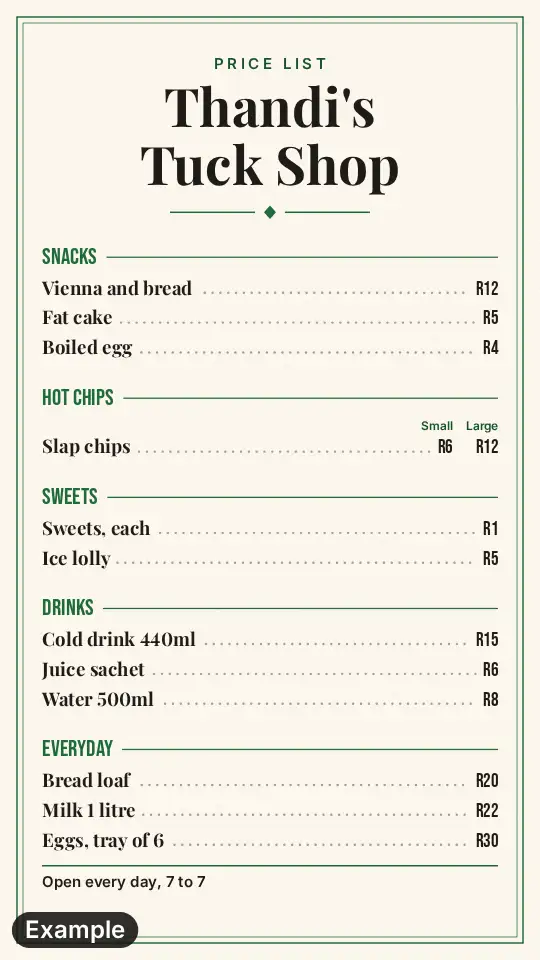 Price list
A shop that sells ice cream scoops, cones and toppings can list them on a price list.
 Bakery menu
A bakery that also scoops ice cream can have the bread and pies on one board and the ice cream on another.
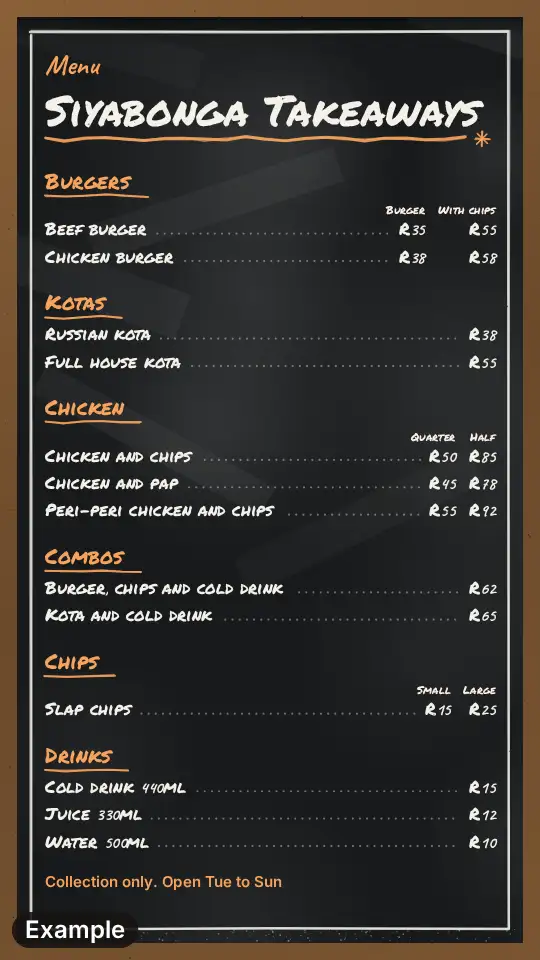 Takeaway menu
A takeaway that also sells ice cream can give it one section, alongside the others.