


What goes on a coffee shop menu board
- 1Coffee first, short to long
- A drinks board starts with coffee and runs from the short drinks to the milky ones: espresso and americano, then cappuccino, flat white and latte, then mocha. Regulars read down that order without thinking, so keep it.
- 2Regular and large
- Under All options, tick "Two prices on each line, like Small and Large" for the Coffee section and name the two prices as your cups are called: Regular and Large, Single and Double, or the cup sizes in millilitres. A drink that comes in one size keeps one price.
- 3Milk, shots and syrups
- An extra shot, oat or almond milk, a syrup: each is one line with what it adds to the price. A short section called "Add" at the end of the board keeps them out of the drink names.
- 4Not coffee, and cold drinks
- Rooibos latte, chai, hot chocolate and tea go in a section after the coffee, and iced drinks and smoothies in one after that. Three or four lines in each is plenty for a board.
- 5Something to eat
- A toastie, a muffin, a rusk for dunking: list what is in the cabinet today in a section named "To eat". Leave off anything that sells out by ten, or make a new picture when the cabinet changes.
- 6A special by the month or the season
- Cafes post a drink of the month more than a whole menu. For that, open All options and choose Specials at the top, type the drink with what is in it in brackets, and use the box for the words at the top (under All options) for the month.
- 7What is in a drink
- The form has no second line for ingredients. Put them in brackets after the name, "Honey latte (double shot, honey, cinnamon)", and keep to three or four words.
- 8Where the board goes
- Print the A4 picture for the wall behind the machine and A5 for the till. The tall shape is for Status. A cart or a market stall can print the A5 one and clip it to the hatch.
Coffee shop menu board design ideas
Six ways one coffee shop menu can look: a board in coloured chalk, three paper cards and two painted boards. Tap a picture to start from it.
- Chalkboard in coloured chalk, tall shape
- Coloured chalk writes each drink in a chalk of its own colour, the way a cafe board is lettered by hand. The prices stay white, so the colours never make a number hard to read.
- Cafe card in milk and coffee, tall shape
- Cafe card is the clean one: pale paper, the name in script, thin rules and a single coffee-dark ink. Nothing shouts, which suits a short drinks list.
- Cafe card on kraft paper, A4 to print
- The same card on kraft paper brown. Printed on A4 it looks like the paper menu clipped to a board at the till.
- Cafe card in sage green, square
- Sage green with dark green ink, on a square for a post. The five sections turn into two columns.
- Menu board in bottle green, A5 to print
- A bottle green board with gold lettering, at A5 for the counter. It is the look of a painted board in an older cafe.
- Cream card, the Sunday lunch look in navy, A5 to print
- A cream card with a navy frame and serif names, for a cafe that also serves lunch. At A5 it stands in a holder on each table.
A coffee menu, step by step
The board has five sections. Coffee has five drinks with two prices each, Regular and Large. "Not coffee" has a rooibos latte, a chai latte and a hot chocolate. Cold has an iced latte and a smoothie. "To eat" has a toastie, a muffin and a rusk. "Add" has an extra shot and oat milk. The line at the foot gives the hours.
Tips
- Use the names on your cups for the two sizes, so the board and the till agree.
- Keep one spelling for each drink: flat white, not flatwhite on one line and flat-white on the next.
- Fifteen lines is a full board. Past that, split drinks and food into two pictures.
- In the coloured chalk, the colours go to the drinks in turn; you do not choose them one by one.
- A babyccino or a tap water that costs nothing can be left off the board.
Sizes and printing
- Tall, for WhatsApp Status
- Tall like a phone screen. Best for WhatsApp Status and for Stories.
- Square, for a post
- Square. Best for a post on Facebook or Instagram.
- Printer page (A4)
- A4 is the size of a normal printer page. Print it at home or at a print shop. A home printer leaves a thin white edge.
- Half page (A5)
- A5 is half of a normal printer page. Good for a counter. A home printer leaves a thin white edge.
Questions
- Can each drink have a regular and a large price?
- Yes. Under All options, tick "Two prices on each line, like Small and Large" for that section and name the two prices. The names are drawn above the two columns.
- Can I pick the chalk colour of each drink?
- No. In the Coloured chalk colours of the Chalkboard look, six chalk colours are given to the items in turn. The other chalkboard colours write every item in white.
- Can I add a line of ingredients under a drink?
- Not as a separate line. Put the ingredients in brackets after the name of the drink.
- Can I make a breakfast special poster with a free coffee?
- Yes. Open All options and choose Specials at the top and type the breakfast as the special. The price box takes words as well as an amount, so it can say what the offer is.
- Does it work for a coffee cart or a market stall?
- Yes. The form asks for a name, items and prices, so a cart, a stall or a hatch can use it. Use the box for where you are and when you are open for the market and the days.
What you type is kept in this browser on this device until you clear your browser data, so you can come back, change a price and save a new picture. A photo and a logo are optional and are not kept for the next visit.
Closest to this one
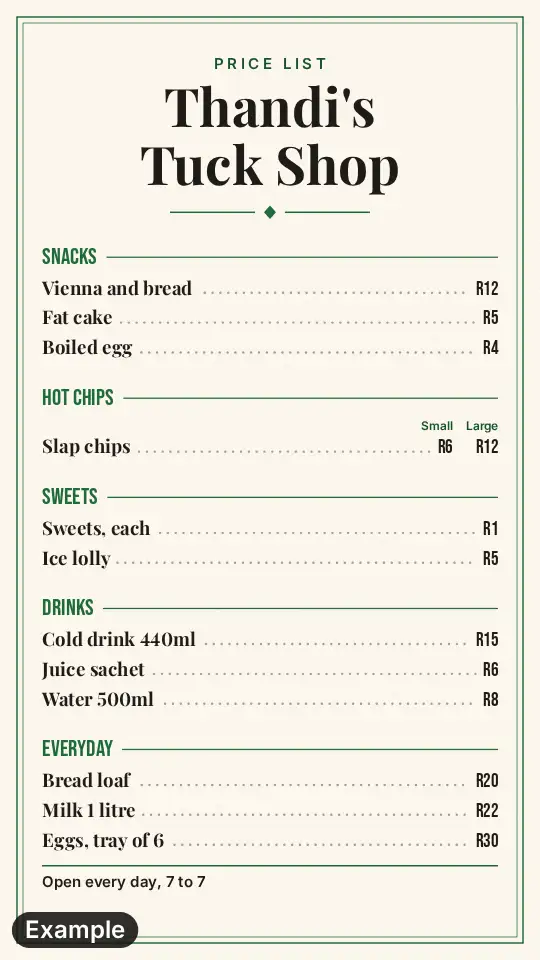 Price list
Beans by the bag, rusks by the packet and other shelf items go on a price list.
 Food truck menu
A coffee van at a market wants the truck board, with the day and the place on a strip.
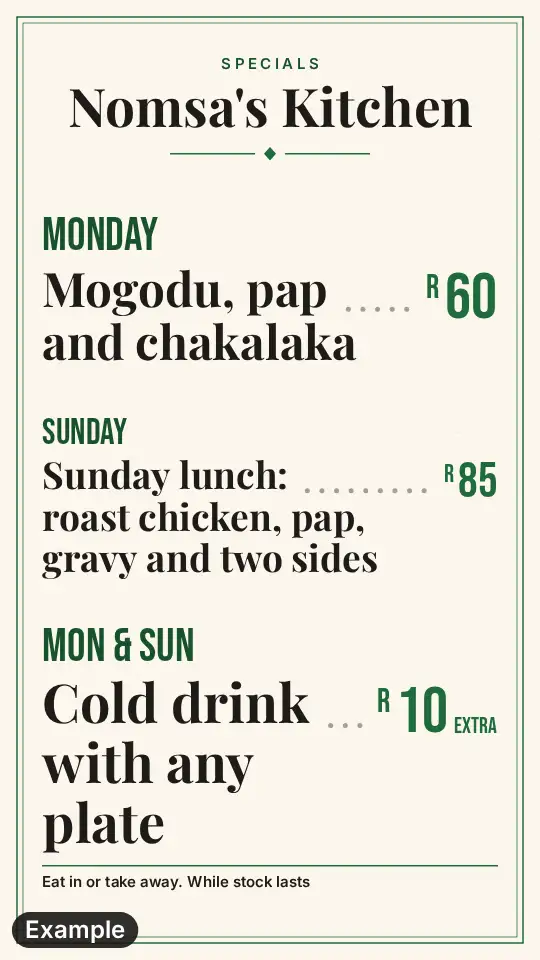 Lunch special poster
A soup or toastie of the day can have a poster of its own beside the drinks board.
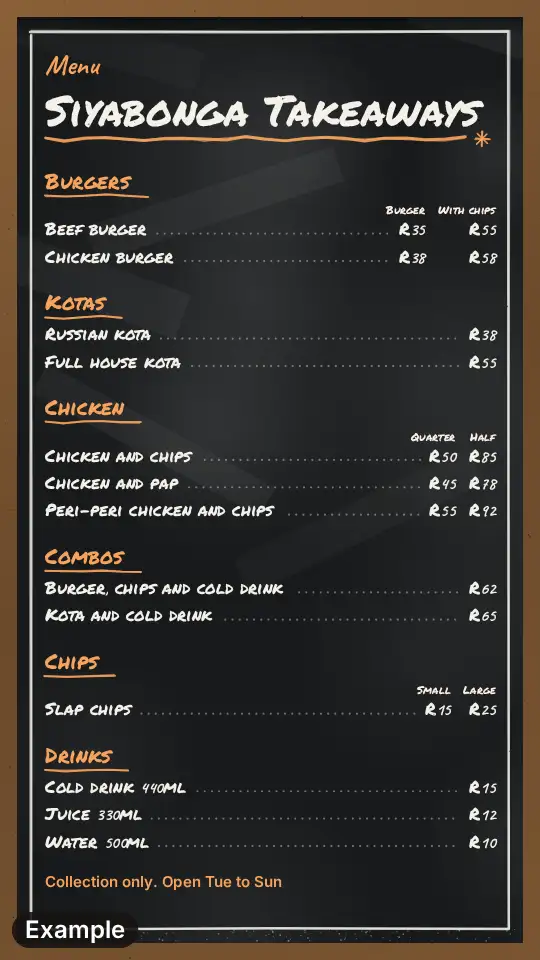 Takeaway menu
If the kitchen does full breakfasts and lunches, give the food a menu in sections.